What is Email?
Email, or electronic mail, is a method of exchanging messages between people using electronic devices. Email was one of the first uses of the internet and is still the most popular use. It allows users to send and receive messages to one another by inputting and sending messages from a device and retrieving messages via an internet connection.
Top Use Cases of Email
- Communication: Email is widely used for both personal and professional communication, allowing for quick exchanges of information across the globe.
- Marketing: Businesses use email for marketing purposes to send newsletters, promotions, and updates to customers and prospects.
- File Sharing: Email allows for the sharing of files, such as documents, photos, and spreadsheets, as attachments up to a certain size limit.
- Notifications: Many services use email to notify users about important events, such as transactions, appointments, and security alerts.
- Collaboration: In professional settings, email is used to manage and delegate tasks, schedule meetings, and maintain records of discussions and decisions.
Features of Email
- Attachments: The ability to send files along with text messages.
- Folders and Tags: Helps in organizing emails by categories or projects.
- Filters and Rules: Automate actions such as sorting emails into folders, marking them as read, or forwarding them to another account.
- Address Book: Stores contact information for easy access to email addresses.
- Signature: Allows users to create a custom sign-off that can include their contact information or a professional title.
- Search Functionality: Enables users to search through their email by keywords, sender, date, or other criteria.
- Encryption and Security: Provides secure transmission of information to protect data privacy and integrity.
Workflow of Email
- Composing: The user writes an email in an email client or web interface.
- Sending: The email is sent over the internet to an SMTP server which processes the mail.
- Routing: The SMTP server contacts the recipient’s server using the domain name in the email address to deliver the email.
- Receiving: The recipient’s email server receives the email and places it in the recipient’s inbox.
- Reading and Responding: The recipient opens the email, reads it, and can respond directly.
How Email Works & Architecture
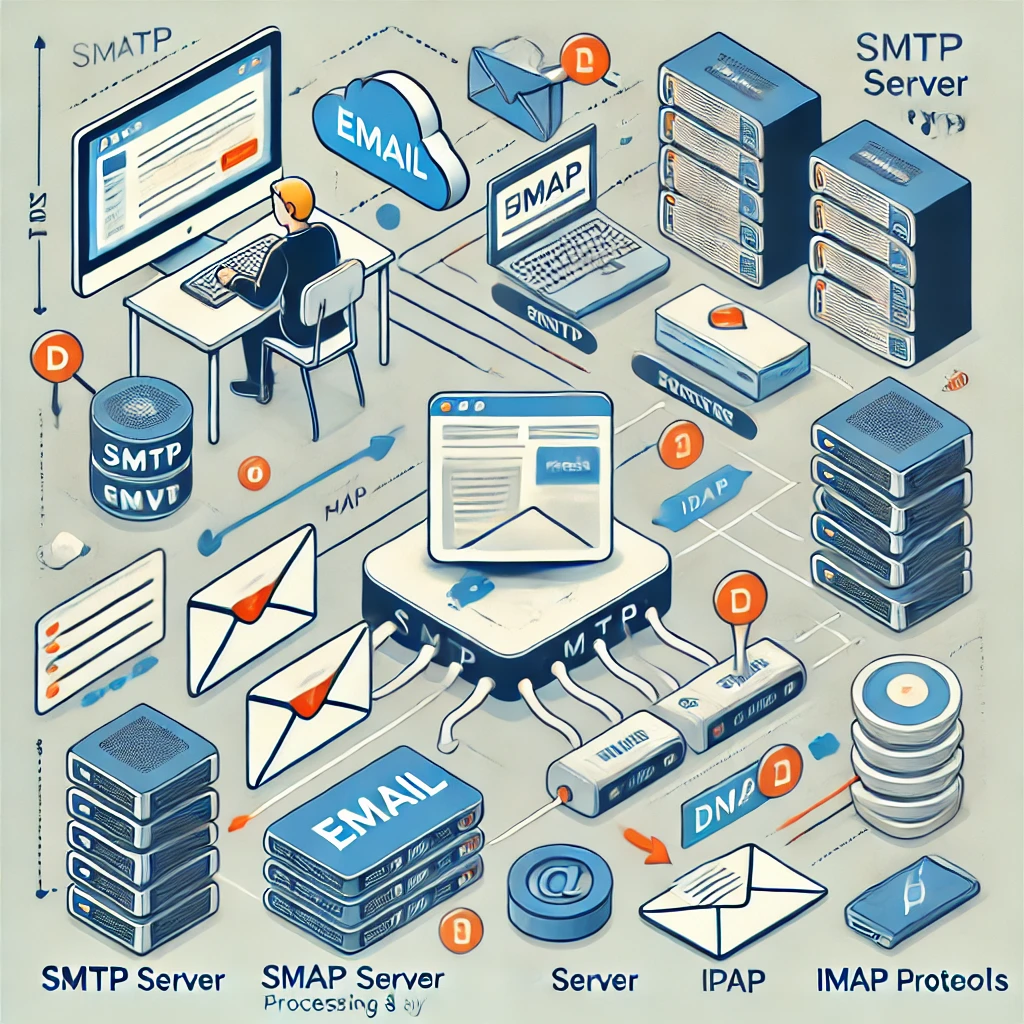
- User Agents: Email clients that allow users to read and send email messages.
- Mail Servers: Servers that handle the transport of the emails. They include:
- SMTP (Simple Mail Transfer Protocol): Used for sending emails.
- POP (Post Office Protocol) or IMAP (Internet Message Access Protocol): Used for retrieving and storing messages on email servers.
3. Mail Transfer Agents: Software that transfers electronic mail messages from one computer to another using a client-server application architecture.
4. Email Protocols:
- SMTP is used for sending emails to a mail server.
- POP3 is used for downloading emails from the server to the local email client.
- IMAP allows multiple clients to manage the same mailbox.
5. DNS (Domain Name System): Used to look up where emails are to be sent, converting domain names into IP addresses.
This workflow and architecture ensure that emails are delivered securely and efficiently from senders to recipients.
