First let’s go to your laravel project and run this Command on Git Bash Ya TERMINAL
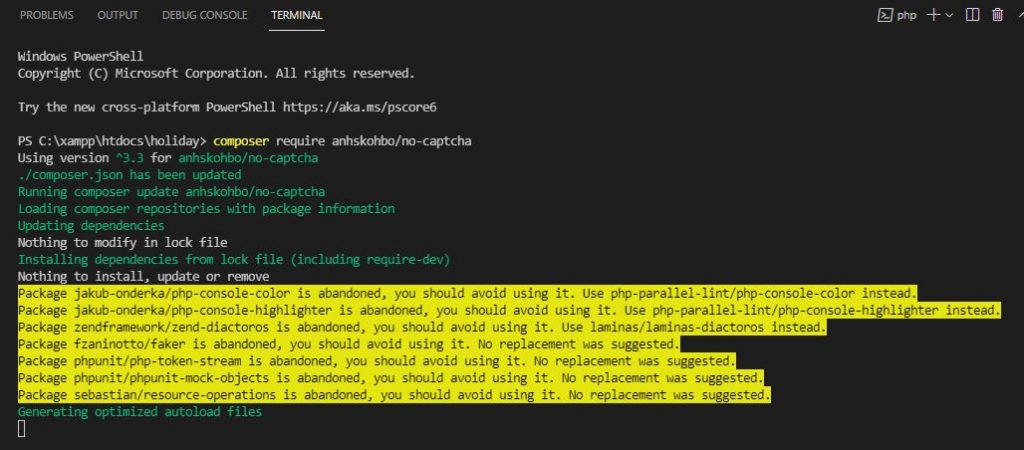
Next step we have to install anhskohbo/no-captcha package for Google reCaptcha code, after install these package we able to generate captcha code in our register and login page. copy below code and paste in your terminal
composer require anhskohbo/no-captcha
Next add below code in provider path in config/app.php path
Anhskohbo\NoCaptcha\NoCaptchaServiceProvider::class,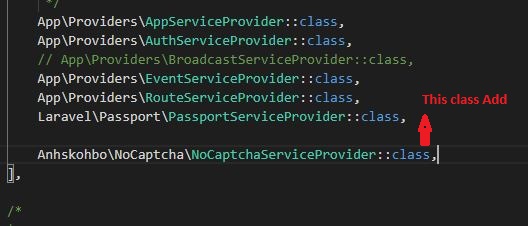
Next Set Google SITE KEY SECRET KEY
Now go to set google secret key and google site key. if you are new user then you have to create from here. go through below link
Please Click Here => https://www.google.com/recaptcha/admin/create
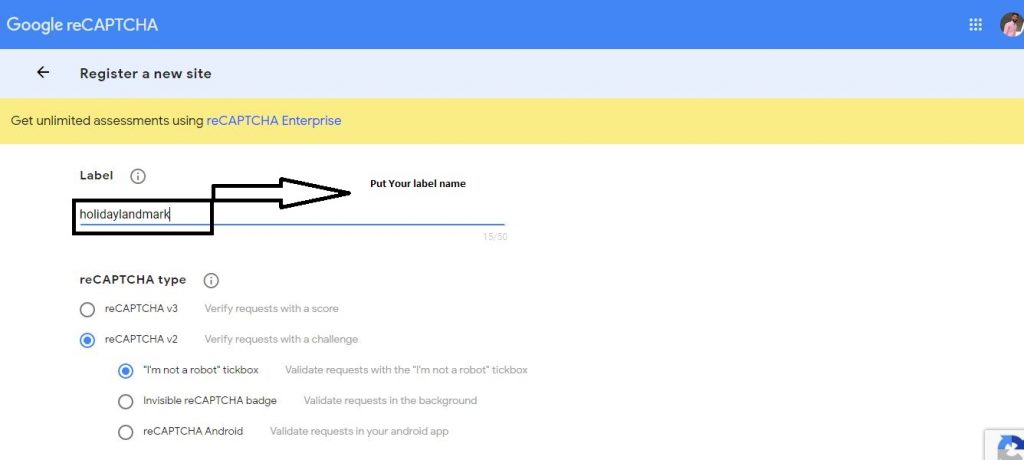
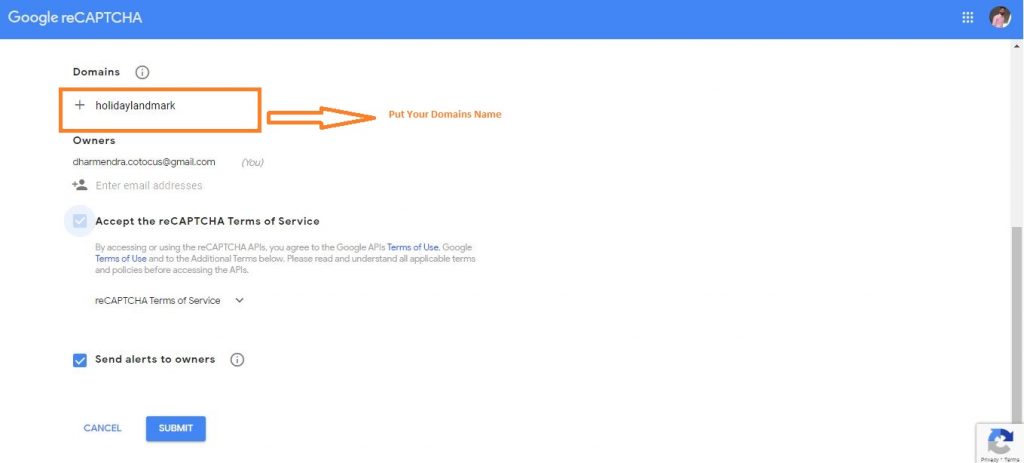
After submit this form you’ll get site key and secret key
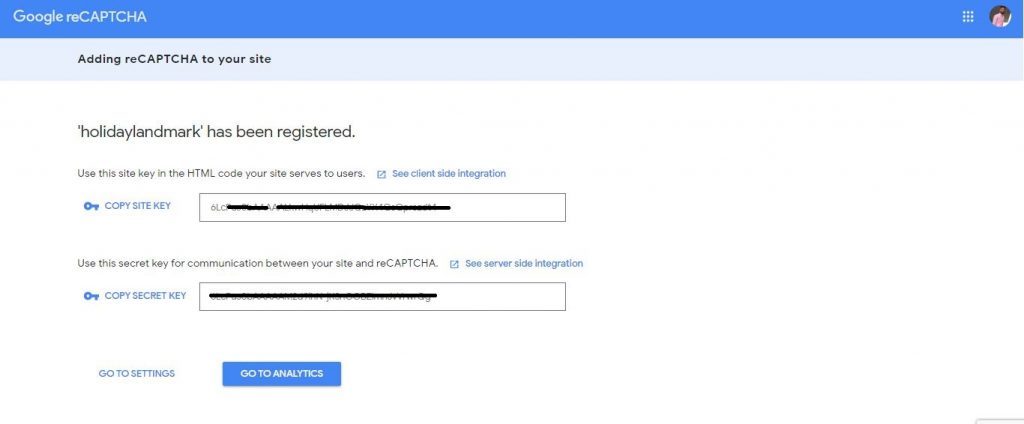
Now go to .env file and add this two Code
#########Google Recaptcha NOCAPTCHA_SITEKEY=your site key NOCAPTCHA_SECRET=your secret key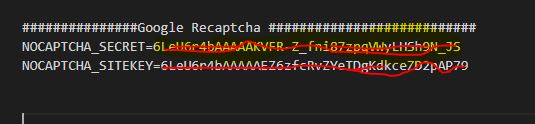
Next go to Route/web.php and add Auth::routes();
Auth::routes();Go to Route/web.php
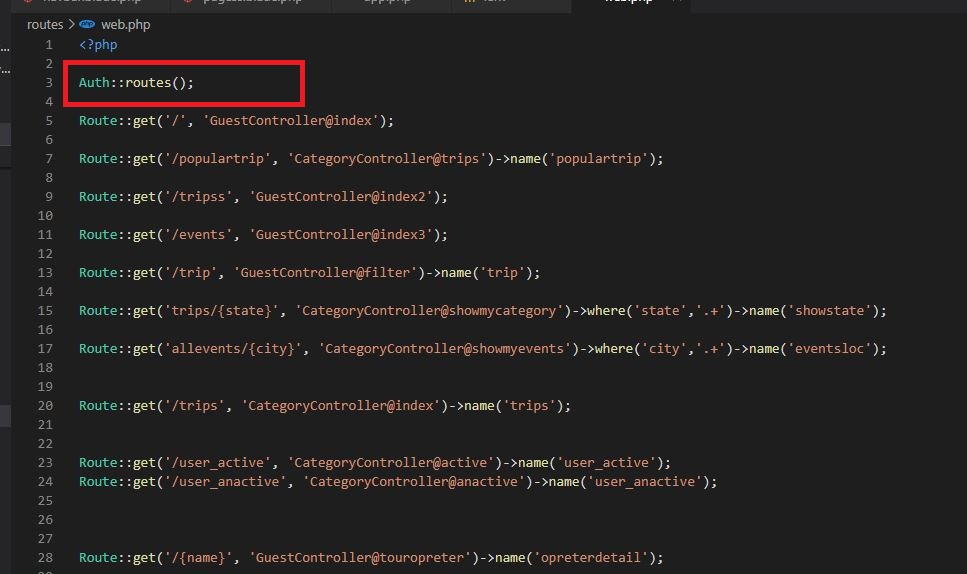
Next go to Your Controller.php & your function and add this Code
‘g-recaptcha-response’ => ‘required|captcha’,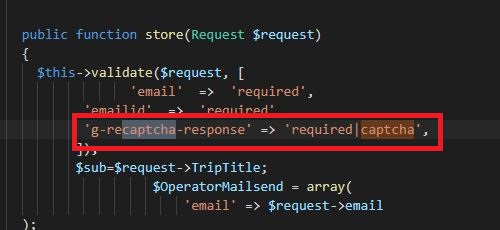
Next go to Your blade.php file and add below script
{!! NoCaptcha::renderJs() !!}
And last step of the go to Your blade.php file and add google captcha code before the Sing up & Sing In button
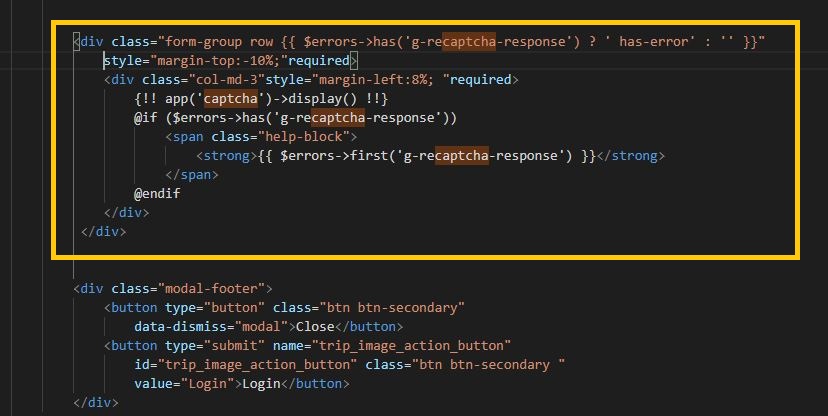
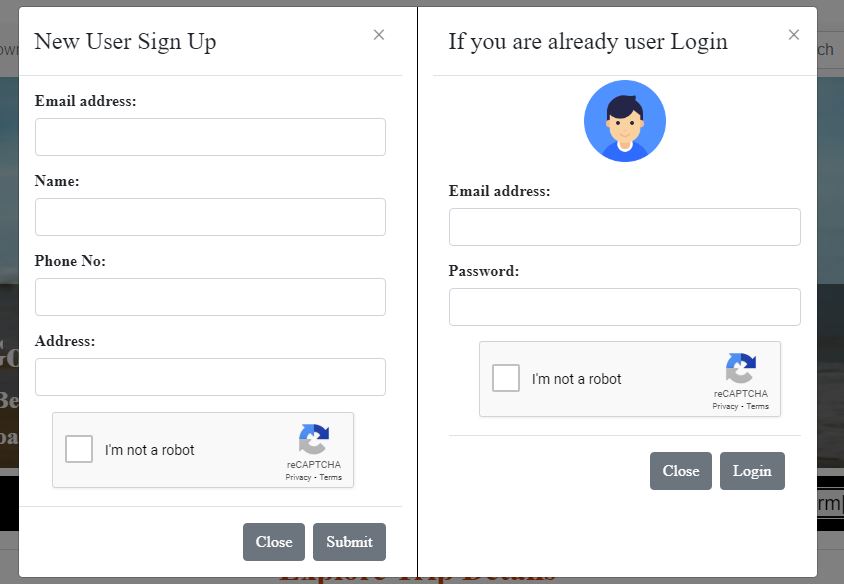
Now refresh & c cache, v clear your browser and you can see google captcha code successfully added in your register page.
Now your TERMINAL This Command
