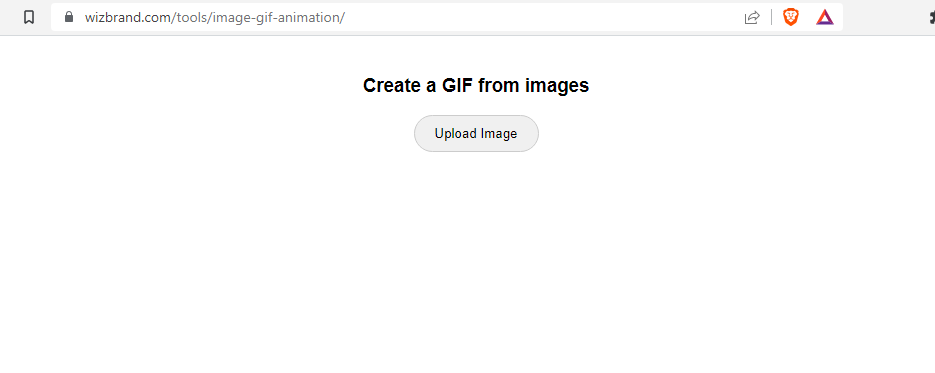
An Image to GIF converter tool online is a convenient and user-friendly way to create animated GIFs from static images, without the need for specialized software or technical knowledge.
What is Function of Image to Gif converter tool online
The function of an image to GIF converter tool online is to convert one or multiple still images into a GIF animation. A GIF (Graphics Interchange Format) is a file format that supports both static and animated images. The function of an image to GIF converter tool is to provide an easy and convenient way to create dynamic and engaging animations from static images.
What are the feature of Image to Gif converter tool online
There are some common features are image to GIF converter tools is:
- File format support: An image to GIF converter tool should be able to accept a image file formats, such as JPEG and PNG.
- Animation : You should be able to animation.
- Download : You can download gif easily.
How Wizbrand’s Image to Gif converter tool online would help?
An online Image to GIF converter tool can be helpful in several ways:
- Time-saving: Using an online Image to GIF converter tool can save you time, as you don’t need to download and install any software on your computer.
- Easy to use: Online Image to GIF converter tools are usually designed to be user-friendly and intuitive, making the process of creating a GIF from images quick and easy.
- Free: Many online Image to GIF converter tools are available for free, making it an affordable way to create animated GIFs.
How to use it Image to Gif converter tool online
There are some simple step to use Image to GIF converter tool is:
- Open your browser and search or click here wizbrand.com/tools/image-gif-animation/
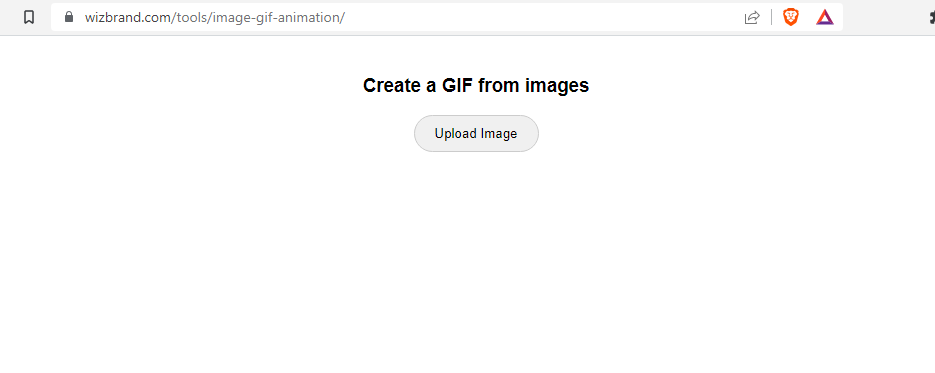
2. Upload images from your drive or galley from the Upload image option. You choose a minimum of five photos.
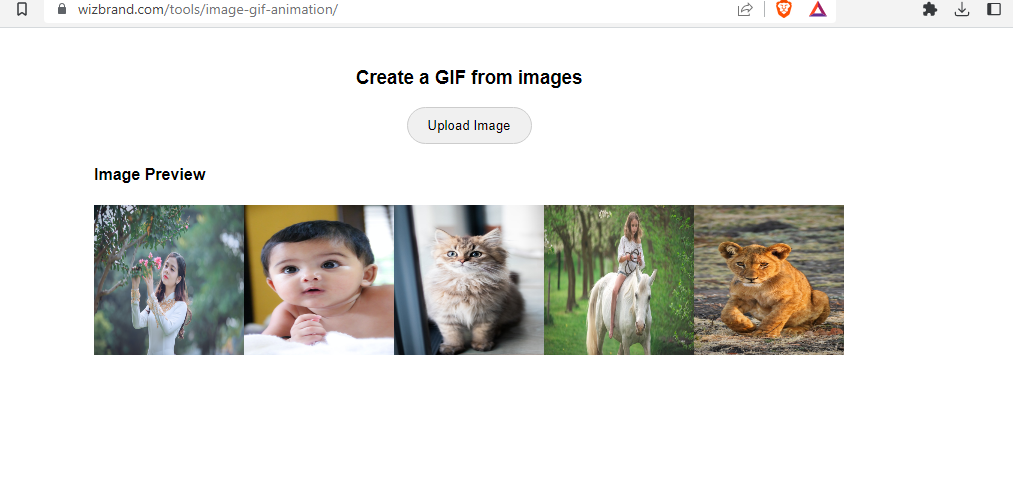
3. After uploading an image, it automatically converts the image to Gif, then then you can save a gif file on your system or computer.
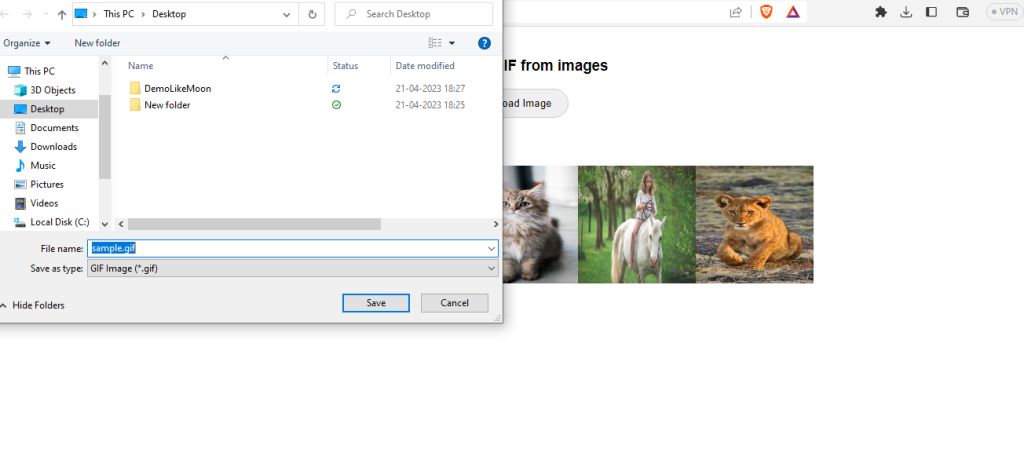
You can see here after downloading the Gif file.