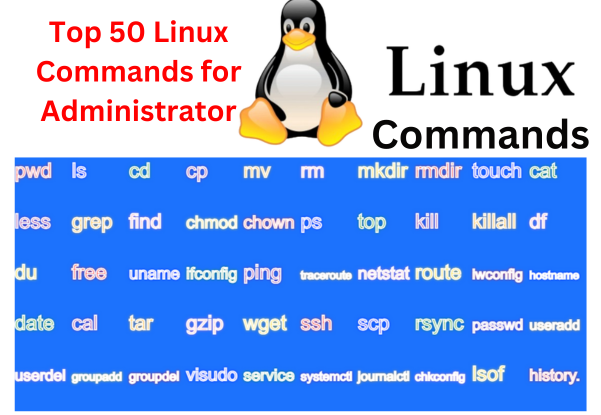
Linux commands cover a variety of tasks, from system monitoring to file management and user administration. Here’s a list of 50 Linux commands that are commonly used by administrators.
| S.No. | Linux Command | Use of these command |
| 1. | pwd | Print current working directory. |
| 2. | ls | List directory contents. |
| 3. | cd | Change directory. |
| 4. | cp | Copy files or directories. |
| 5. | mv | Move or rename files or directories. |
| 6. | rm | Remove/delete files or directories. |
| 7. | mkdir | Create a new directory. |
| 8. | rmdir | Remove an empty directory. |
| 9. | touch | Create an empty file or update the access/modification time. |
| 10. | cat | Display the contents of a file. |
| 11. | less | View file contents one screen at a time. |
| 12. | grep | Search for a pattern in files. |
| 13. | find | Search for files and directories. |
| 14. | chmod | Change file permissions. |
| 15. | chown | Change file owner and group. |
| 16. | ps | Display information about running processes. |
| 17. | top | Display and update sorted information about system processes. |
| 18. | kill | Terminate a process. |
| 19. | killall | Kill processes by name. |
| 20. | df | Display disk space usage. |
| 21. | du | Show disk usage of files and directories. |
| 22. | free | Display amount of free and used memory in the system. |
| 23. | uname | Print system information. |
| 24. | ifconfig | Configure network interfaces. |
| 25. | ping | Test network connectivity. |
| 26. | traceroute | Trace the route that packets take to reach a network host. |
| 27. | netstat | Display network connections, routing tables, and more. |
| 28. | route | Show and manipulate the IP routing table. |
| 29. | iwconfig | Configure wireless network interfaces. |
| 30. | hostname | Show or set the system’s host name. |
| 31. | date | Display or set the system date and time. |
| 32. | cal | Display a calendar. |
| 33. | tar | Archive files. |
| 34. | gzip | Compress or decompress files. |
| 35. | wget | Download files from the internet. |
| 36. | ssh | Connect to a remote server securely. |
| 37. | scp | Copy files between machines over SSH. |
| 38. | rsync | Synchronize files and directories. |
| 39. | passwd | Change user password. |
| 40. | useradd | Create a new user. |
| 41. | userdel | Delete a user account. |
| 42. | groupadd | Create a new group. |
| 43. | groupdel | Delete a group. |
| 44. | visudo | Edit the sudoers file safely. |
| 45. | service | Control system services. |
| 46. | systemctl | Control the systemd system and service manager. |
| 47. | journalctl | Query and display messages from the journal. |
| 48. | chkconfig | Update and query runlevel information for system services. |
| 49. | lsof | List open files and processes that opened them. |
| 50. | history | Display command history. |
These commands cover a wide range of tasks and are essential for Linux administrators. Always make sure you understand the commands and their implications before using them, especially those that involve system changes.
