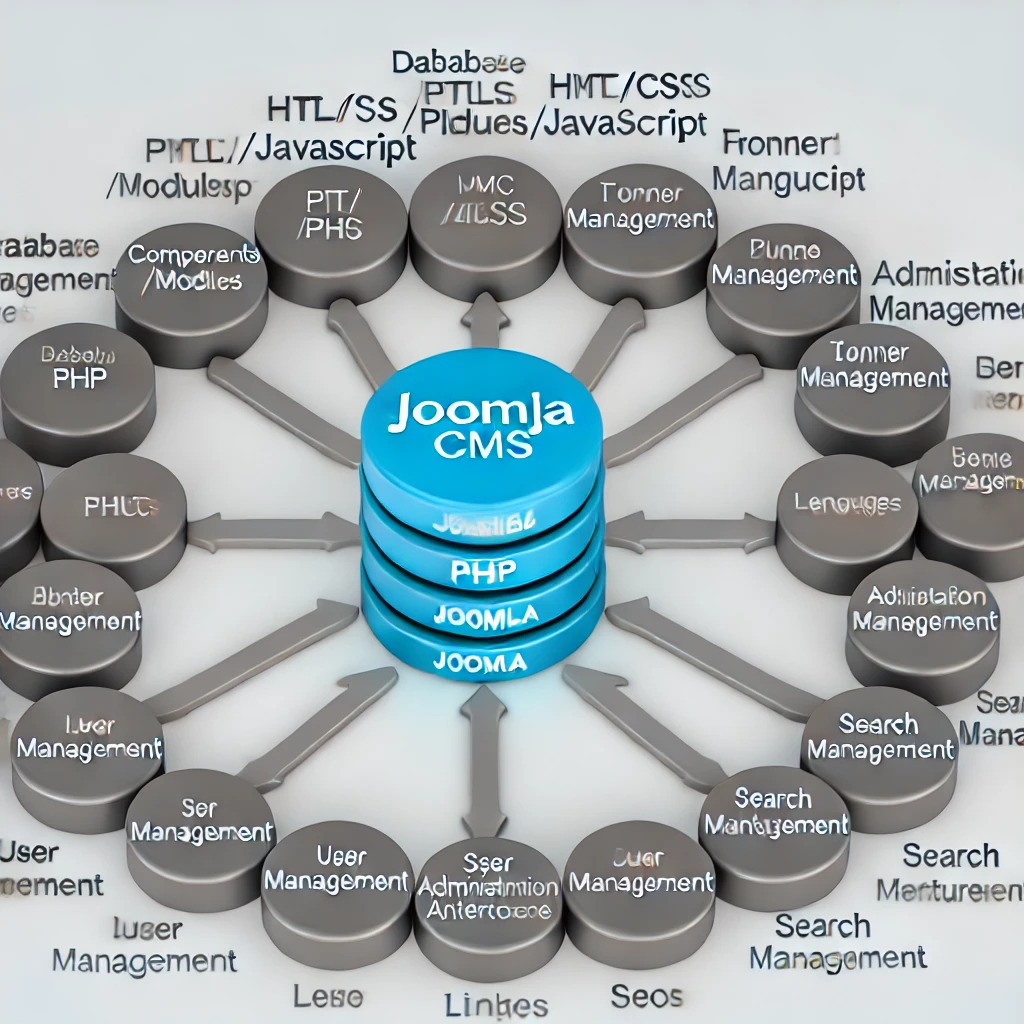
Joomla is a popular Content Management System (CMS) used to build and manage websites. Its flexibility and extensive features make it a great choice for everything from simple websites to complex corporate applications. Here’s an overview of the basic structure and components that make up Joomla:
1. Core Elements
- Database: Joomla uses a MySQL database to store all content and settings.
- PHP: The platform is built using PHP, which handles all server-side scripting.
- HTML/CSS/JavaScript: These technologies are used for the frontend to create the look and feel of the website.
2. Extensions
Joomla’s functionality can be extended with various types of extensions:
- Components: These are the major building blocks of a Joomla site. Each component has two parts: a site part (frontend) and an administrator part (backend). Components handle specific tasks such as content management, user management, or e-commerce functionalities.
- Modules: These are more lightweight and flexible extensions used for page rendering. Modules are used for small blocks of content like menus, login forms, or search bars.
- Plugins: These are event handlers that execute during various stages of the Joomla page generation process. Plugins can extend the functionality of Joomla or other extensions without modifying the core code.
- Templates: These define the website’s look and design. They can be easily swapped to change the site’s appearance and layout.
- Languages: Joomla is multilingual, and language packs can be added to support various languages on the frontend and backend.
3. Framework
Joomla’s framework provides the underlying system and libraries that facilitate the development of both core functions and extensions, offering:
- MVC Architecture: Joomla follows the Model-View-Controller architecture, which separates data (model), user interface (view), and the business logic (controller). This separation helps manage complexity and enhance organization.
- Library Classes: These provide functionalities like database access, file system handling, and session management.
4. Administration Interface
- Back-end Administrator Interface: This is the control panel for managing all aspects of a Joomla site, from content creation and menu structure to extension management and configuration settings.
5. Frontend
- User Interface: This is what visitors to the Joomla site see. It is controlled by the chosen template and the modules assigned to various positions within the template.
6. Core Functionalities
- User Management: Joomla provides systems for user registration, profile management, and access control.
- Media Management: Tools for managing media files like images and videos.
- Banner Management: Features for advertising and banner placement.
- Contact Management: Allows visitors to contact the website administrators through built-in forms.
- Search and Smart Search: Joomla offers basic search and more advanced smart search capabilities to enhance site navigation.
7. SEO and Link Management
Joomla also includes SEO tools that allow for customizing page titles, metadata, and can be extended with SEF (search engine friendly) URLs.
Joomla’s structure is designed to be flexible, allowing users to create diverse and robust websites tailored to their specific needs.
