- Log in to your WordPress Admin Dashboard: Go to your website’s login page (e.g., yourwebsite.com/wp-admin) and Enter your username and password to access the dashboard.
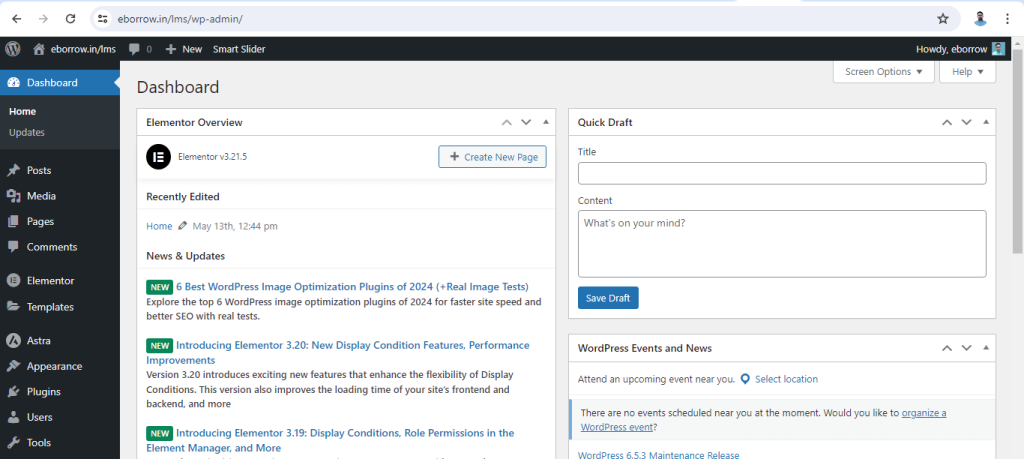
2. Navigate to Forminator Plugin: In the left-hand sidebar, locate the “Forminator” option. This should be present if the Forminator plugin is installed and activated on your site.
Click on “Forminator” to access its settings and options.
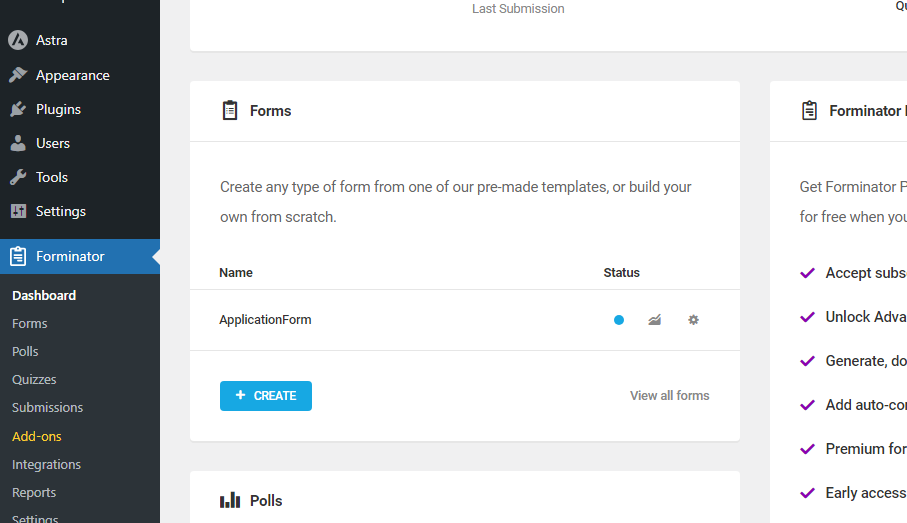
3. Access Submissions: Under the Forminator menu, you will see options like “Forms,” “Polls,” “Quizzes,” and “Submissions.”
Click on “Submissions” to view all submission data.
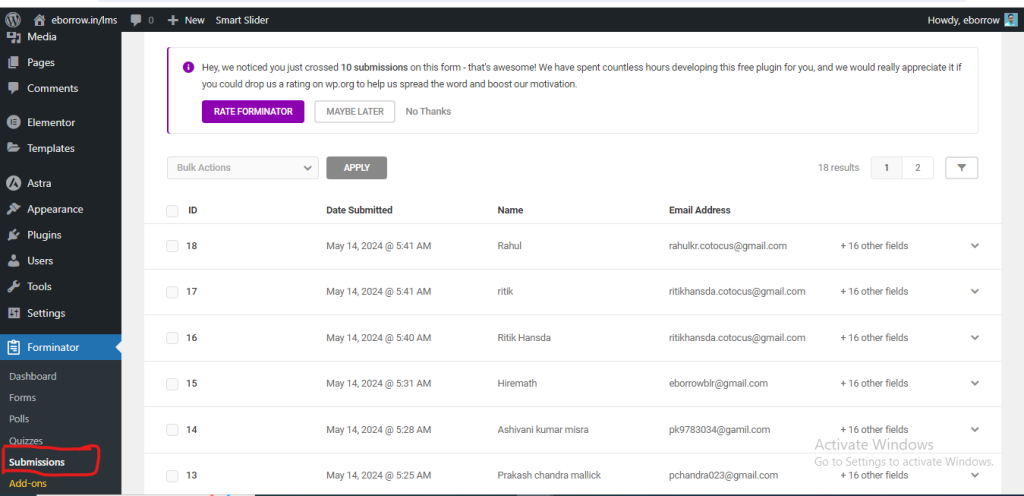
4. Select the Form: The Submissions page will show a list of all forms created with Forminator.
Click on the form for which you want to view the submission data. This will take you to the submissions specifically for that form.
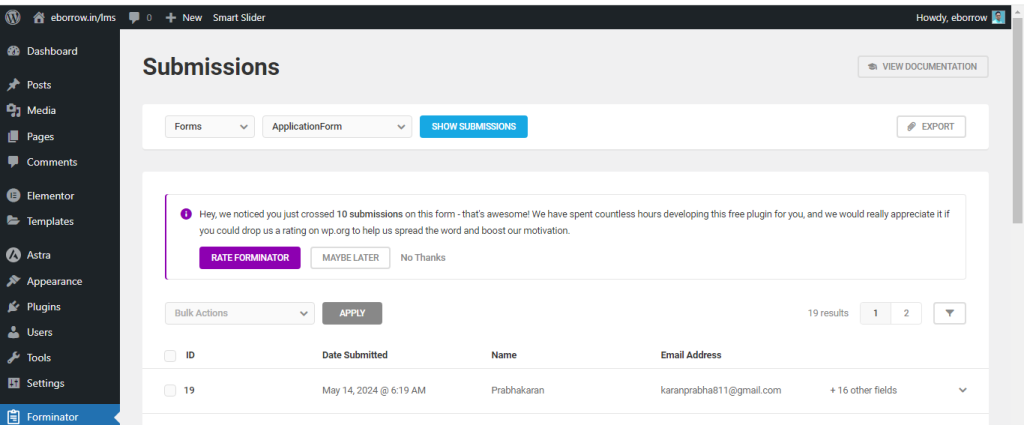
5. View Submission Details:
- You will see a table with the submission data for the selected form. This table includes details such as the date of submission, the fields filled out by the user, and other relevant information.
- You can click on individual submissions to view more detailed information if necessary.
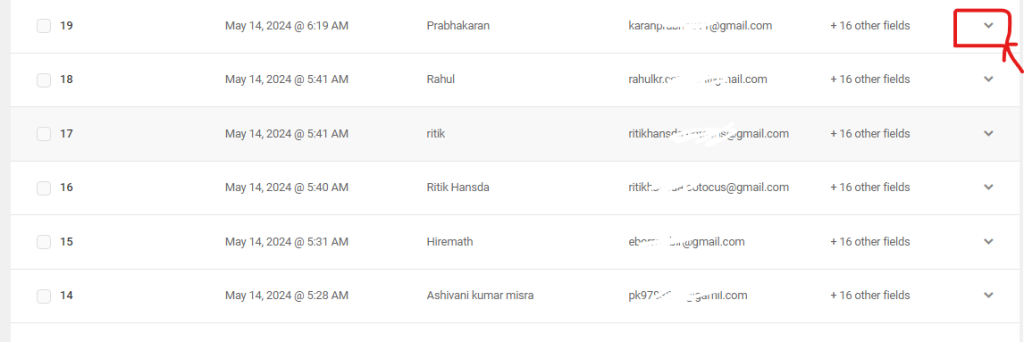
6. Export Submissions (Optional):
- If you need to export the submission data, Forminator provides an option to export the submissions in CSV format.
- Look for an “Export” button or option on the Submissions page, select the form, and follow the prompts to export the data.
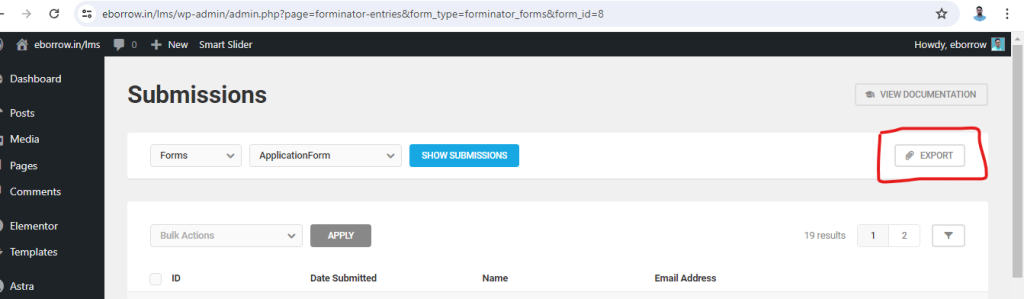
By following these steps, you should be able to easily view and manage the submission data from your Forminator forms directly within your WordPress admin dashboard.
Thanks for Visiting

How to Enhance Comment Security on WordPress Using WPDiscuz and CAPTCHA
Here’s a step-by-step guide to adding CAPTCHA to your WordPress comment section using WPDiscuz to enhance security: Step 1: Install WPDiscuz Plugin Step 2: Install Google reCAPTCHA Read More