Upgrade & Secure Your Future with DevOps, SRE, DevSecOps, MLOps!

We spend hours on Instagram and YouTube and waste money on coffee and fast food, but won’t spend 30 minutes a day learning skills to boost our careers.
Master in DevOps, SRE, DevSecOps & MLOps!

Learn from Guru Rajesh Kumar and double your salary in just one year.

Get Started Now!

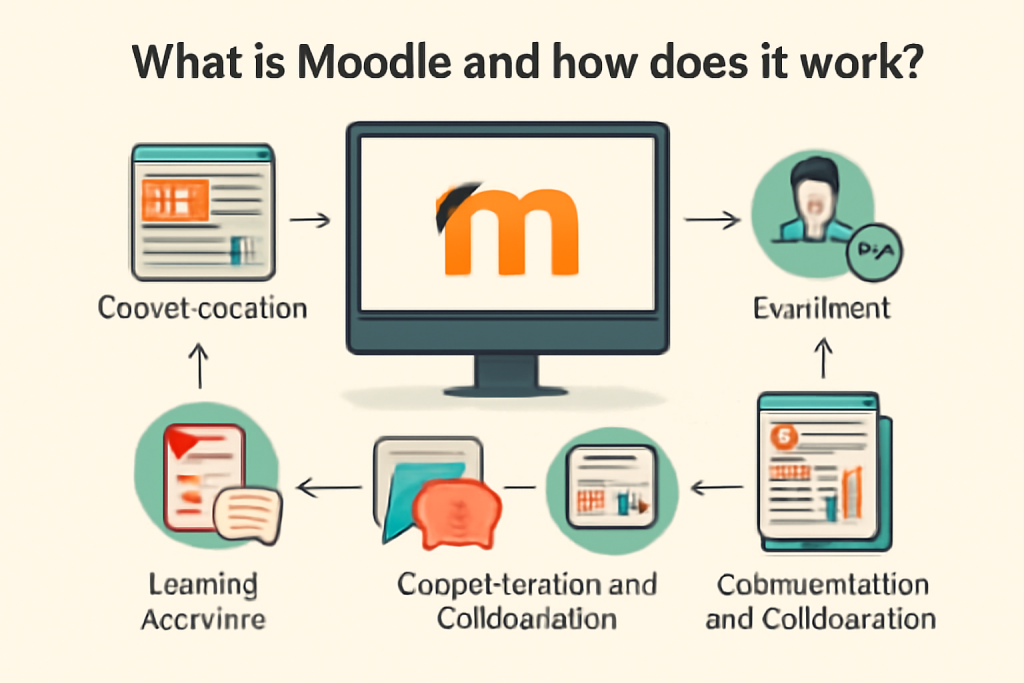
What is Moodle and how does it work?

Moodle (Modular Object-Oriented Dynamic Learning Environment) is a free, open-source Learning Management System (LMS) designed to help educators create and manage online courses. It provides a flexible platform for delivering educational content, assessments, and collaborative learning activities.

How Does Moodle Work?

Moodle operates as a web-based platform where instructors and students interact in a virtual learning environment. Here’s how it works:

1. Course Creation & Management

  • Instructors can create courses, organize materials (documents, videos, quizzes), and set up learning paths.
  • Courses can be structured by weeks, topics, or competencies.
  • Supports blended learning (mix of online and in-person classes).

2. User Roles & Access Control

  • Administrators manage the site, plugins, and user permissions.
  • Teachers/Trainers create and deliver course content.
  • Students access materials, submit assignments, and participate in discussions.
  • Guests may have limited access (depending on settings).

3. Learning Tools & Activities

  • Assignments: Students submit work online (files or text).
  • Quizzes: Automated grading with various question types (MCQ, essays, etc.).
  • Forums: Discussion boards for collaboration.
  • Wikis & Databases: Collaborative content creation.
  • Live Classes: Integration with Zoom, BigBlueButton, etc.
  • Gamification: Badges, certificates, and progress tracking.

4. Assessment & Grading

  • Automated grading for quizzes.
  • Manual feedback on assignments.
  • Gradebook to track student performance.

5. Plugins & Customization

  • Moodle supports 3rd-party plugins for additional features (e.g., plagiarism detection, attendance tracking).
  • Custom themes and branding options.

6. Accessibility & Mobile Learning

  • Works on all devices (responsive design).
  • Moodle Mobile App allows offline learning.

Where is Moodle Used?

  • Schools, Universities, & Corporate Training
  • Online Certification Programs
  • Non-profits & Government Agencies

Advantages of Moodle

Free & Open-Source (no licensing costs)
✔ Highly customizable with plugins
✔ Supports SCORM & xAPI (e-learning standards)
✔ Strong community support

How to Get Started?

  1. Download from Moodle.org
  2. Install on a web server (self-hosted) or use MoodleCloud (hosted version).
  3. Set up courses and enroll users.

Related Posts

Top 10 Web Browsers: Features, Pros, Cons & Comparison

Introduction Web browsers are software applications that allow users to access, navigate, and interact with content on the internet. They are essential for browsing websites, streaming media, Read More

Read More

Top 10 Internet Filtering Software: Features, Pros, Cons & Comparison

Introduction Internet filtering software allows families, schools, and businesses to control access to web content, block unsafe websites, and enforce browsing policies. These tools help reduce exposure Read More

Read More

Top 10 Ad Blocking Tools: Features, Pros, Cons & Comparison

Introduction Ad blocking tools are software applications or browser extensions that prevent unwanted advertisements from appearing during browsing or within apps. By filtering out banners, pop‑ups, video Read More

Read More

Top 10 Parental Control Software: Features, Pros, Cons & Comparison

Introduction Parental control software helps parents monitor, manage, and protect their children’s online activities. These tools provide features like content filtering, screen time management, app monitoring, and Read More

Read More

Top 10 Child Safety Monitoring Apps: Features, Pros, Cons & Comparison

Introduction Child safety monitoring apps help parents and guardians keep children safe in the digital and physical world. These tools offer monitoring of online activity, location tracking, Read More

Read More

Top 10 Password Vault Consumer Apps: Features, Pros, Cons & Comparison

Introduction Password vault consumer apps are digital tools that help individuals securely store, manage, and autofill passwords for websites and apps. They reduce the risk of forgotten Read More

Read More
Subscribe
Notify of
guest
0 Comments
Oldest
Newest Most Voted
0
Would love your thoughts, please comment.x
()
x