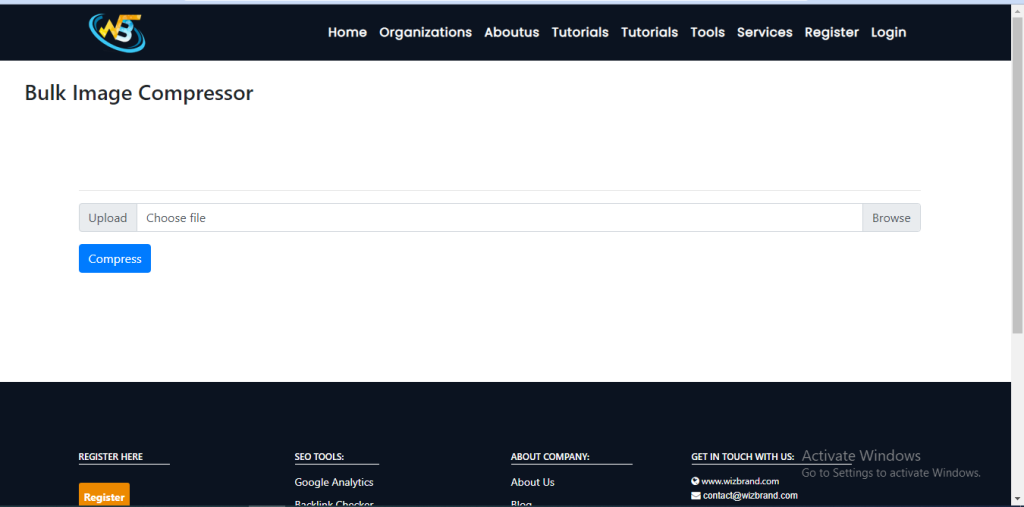
What is Function of Bulk Image Compression online tool
If you are a website owner or a designer, you know the importance of optimizing images for the web. Large images slow down website loading times, which negatively impacts user experience and search engine rankings. This is where bulk image compression comes in handy. It enables you to compress multiple images at once, saving time and effort. In this article, we’ll discuss what bulk image compression is, why it is important, and how to use it.
Bulk image compression is the process of compressing multiple images at once. It allows you to resize and compress images in batch mode, which saves time, as you don’t have to compress each image one by one.
What are the feature of Bulk Image Compression online tool
Bulk image compression online tools are designed to compress multiple images simultaneously, saving you time and effort. While specific features may vary depending on the tool you choose, here are some common features you can expect to find:
- Batch processing: The main feature of a bulk image compression tool is the ability to process multiple images at once. Instead of compressing images individually, you can select a batch of images and compress them simultaneously, saving time and streamlining the process.
- Compression settings: These tools often allow you to customize the compression settings for the batch of images. You can adjust parameters such as compression level, image quality, and format preferences. This gives you control over the trade-off between file size reduction and image quality for all the images in the batch.
- Image resizing: Some bulk compression tools offer the option to resize images as part of the process. This can be useful when you need to not only reduce file size but also adjust the dimensions of the images to fit specific requirements or optimize them for different platforms.
- File format conversion: In addition to compression, bulk image compression tools may also support file format conversion. This means you can convert images from one format to another during the compression process. For example, you can convert a batch of JPEG images to PNG format.
How Wizbrad’s Bulk Image Compression online tool would help?
Bulk image compression tools, in general, help you compress multiple images simultaneously, providing the following benefits:
- Time-saving: Instead of compressing images one by one, a bulk compression tool allows you to process multiple images at once. This saves time and effort, especially when you have a large number of images to compress.
- Efficiency: Compressing images in bulk streamlines your workflow, as you don’t have to repeat the compression process for each image. It is particularly useful when you need to optimize images for web use, email attachments, or social media sharing.
- Consistency: With a bulk compression tool, you can ensure a consistent level of compression for all the images in a batch. This helps maintain a cohesive look and feel across your images, which can be important for branding or visual consistency purposes.
How to use it Bulk Image Compression online tool online
To use a bulk image compression tool online, follow these general steps:
- Search for a reliable bulk image compression tool like wizbrand.com/tools/bulkImageCompression
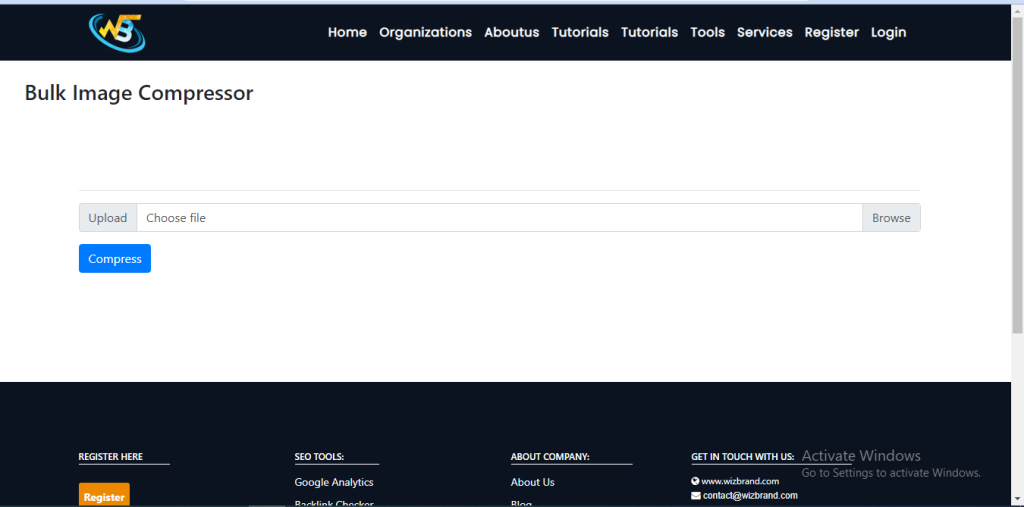
2. Upload your images: Look for an option to upload your images. Depending on the tool, you may be able to upload images from your local storage or provide links to a folder containing the images.
3. After uploading your image, Click the “Convert” button on the tool to initiate the reduce process.
4. Download the compressed images: Once the compression is complete, the tool will provide options to download the compressed images. Usually, you can download the images as a single zip file that contains all the compressed images. Extract the files from the zip archive to access the individual images.
