Upgrade & Secure Your Future with DevOps, SRE, DevSecOps, MLOps!

We spend hours on Instagram and YouTube and waste money on coffee and fast food, but won’t spend 30 minutes a day learning skills to boost our careers.
Master in DevOps, SRE, DevSecOps & MLOps!

Learn from Guru Rajesh Kumar and double your salary in just one year.

Get Started Now!

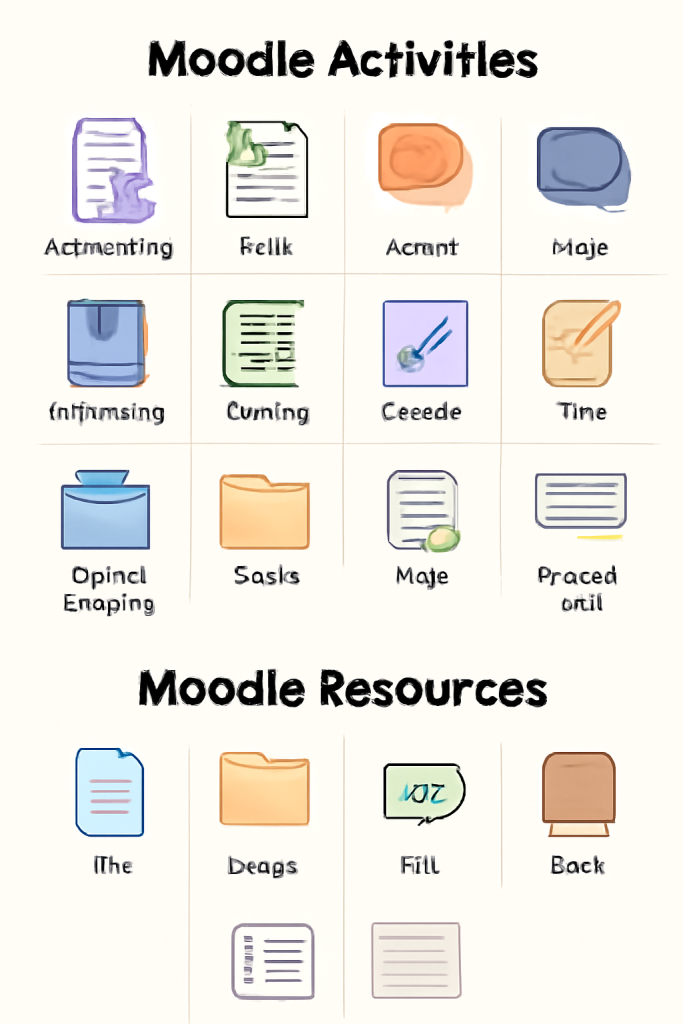
What are the different types of Moodle activities and resources?

Moodle offers a variety of activities and resources to enhance online learning. Below is a breakdown of the different types:

Moodle Activities (Interactive Elements)

Activities are interactive tools that engage students and facilitate collaboration, assessment, and feedback. Key activities include:

  1. Assignments
  • Allows students to submit work (files or text) for grading.
  • Types: File submissions, text entries, offline assignments.

2. Quiz

    • Enables timed or untimed assessments with various question types (MCQ, short answer, etc.).
    • Supports automated grading and feedback.

    3. Forum

      • Facilitates discussions among students and teachers.
      • Types: Q&A, standard forums, single discussion threads.

      4. Choice

        • A simple poll or single-question survey for quick feedback.

        5. Lesson

          • Delivers content in a branching format with quizzes and conditional navigation.

          6. Workshop

            • Peer assessment activity where students evaluate each other’s work.

            7. Glossary

              • Collaborative dictionary where users can add and define terms.

              8. Wiki

                • A collaborative writing space where users co-create content.

                9. Database

                  • Allows users to create, search, and share a collection of entries (e.g., research papers, book reviews).

                  10. H5P

                  • Integrates interactive content like videos with quizzes, flashcards, and games.

                  11. Chat

                  • Real-time text-based discussions between participants.

                  12. SCORM Package

                  • Imports externally created e-learning content compliant with SCORM/AICC standards.

                  13. Survey

                  • Predefined questionnaires (e.g., COLLES, ATTLS) for course feedback.

                  14. External Tool (LTI)

                  • Integrates third-party learning tools (e.g., Turnitin, YouTube, Quizlet).

                    Moodle Resources (Static Content)

                    Resources are non-interactive materials that deliver content to students. Key resources include:

                    1. File
                    • Uploads documents (PDF, Word, PowerPoint, etc.) for students to download.

                    2. Folder

                      • Organizes multiple files in a single directory.

                      3. Label

                        • Adds text, images, or multimedia to break up sections on a course page.

                        4. Page

                          • Creates a web page with formatted text, images, and embedded media.

                          5. URL

                            • Links to external websites or online resources.

                            6. Book

                              • Multi-page resource with chapters for structured reading.

                              7. IMS Content Package

                                • Uploads IMS-compliant learning materials.

                                Key Differences

                                FeatureActivitiesResources
                                InteractivityYes (students engage)No (static content)
                                GradingOften gradableNot gradable
                                PurposeCollaboration, assessment, feedbackContent delivery

                                These tools allow instructors to create dynamic and engaging e-learning experiences in Moodle. Would you like details on setting up any specific activity or resource?

                                Related Posts

                                Top 10 Web Browsers: Features, Pros, Cons & Comparison

                                Introduction Web browsers are software applications that allow users to access, navigate, and interact with content on the internet. They are essential for browsing websites, streaming media, Read More

                                Read More

                                Top 10 Internet Filtering Software: Features, Pros, Cons & Comparison

                                Introduction Internet filtering software allows families, schools, and businesses to control access to web content, block unsafe websites, and enforce browsing policies. These tools help reduce exposure Read More

                                Read More

                                Top 10 Ad Blocking Tools: Features, Pros, Cons & Comparison

                                Introduction Ad blocking tools are software applications or browser extensions that prevent unwanted advertisements from appearing during browsing or within apps. By filtering out banners, pop‑ups, video Read More

                                Read More

                                Top 10 Parental Control Software: Features, Pros, Cons & Comparison

                                Introduction Parental control software helps parents monitor, manage, and protect their children’s online activities. These tools provide features like content filtering, screen time management, app monitoring, and Read More

                                Read More

                                Top 10 Child Safety Monitoring Apps: Features, Pros, Cons & Comparison

                                Introduction Child safety monitoring apps help parents and guardians keep children safe in the digital and physical world. These tools offer monitoring of online activity, location tracking, Read More

                                Read More

                                Top 10 Password Vault Consumer Apps: Features, Pros, Cons & Comparison

                                Introduction Password vault consumer apps are digital tools that help individuals securely store, manage, and autofill passwords for websites and apps. They reduce the risk of forgotten Read More

                                Read More
                                Subscribe
                                Notify of
                                guest
                                0 Comments
                                Oldest
                                Newest Most Voted
                                0
                                Would love your thoughts, please comment.x
                                ()
                                x