Upgrade & Secure Your Future with DevOps, SRE, DevSecOps, MLOps!

We spend hours on Instagram and YouTube and waste money on coffee and fast food, but won’t spend 30 minutes a day learning skills to boost our careers.
Master in DevOps, SRE, DevSecOps & MLOps!

Learn from Guru Rajesh Kumar and double your salary in just one year.

Get Started Now!

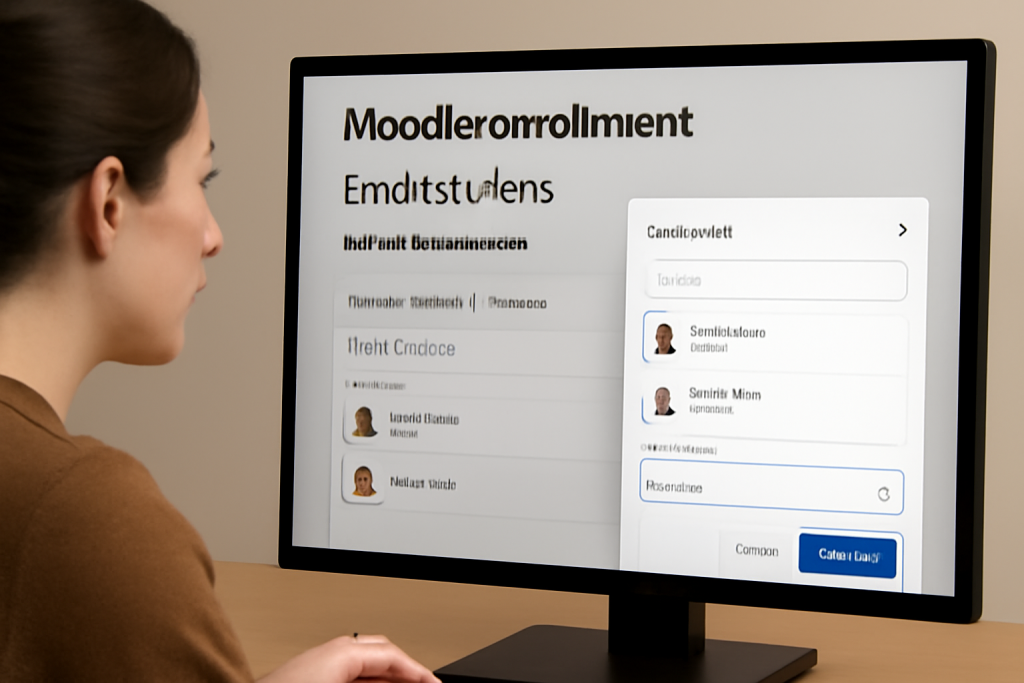
How to enroll students in a Moodle course?

Enrolling students in a Moodle course can be done in several ways, depending on your role (e.g., administrator, teacher, or manager) and the enrollment method configured. Here’s a step-by-step guide:

Method 1: Manual Enrollment (By Teachers/Managers)

  1. Log in to Moodle as a teacher or manager.
  2. Navigate to the course where you want to enroll students.
  3. Click on “Participants” in the course navigation menu.
  4. Click on “Enroll users” (usually a button at the top right).
  5. Search for the user(s) by name or email in the pop-up window.
  6. Select the role (e.g., “Student”) from the dropdown menu.
  7. Click “Enroll” to add the student(s).
  8. Finish by clicking “Finish enrolling users”.

Method 2: Self-Enrollment (Students Join Themselves)

  1. Enable self-enrollment in the course settings:
  • Go to the course → Settings (under Course Administration).
  • Under “Course enrollment methods”, click “Enrollment methods”.
  • Enable “Self enrollment (Student)” (click the eye icon to enable).
  • Configure options like enrollment key (password), duration, etc.

2. Share the enrollment link & key (if set) with students.

3. Students enroll by:

    • Logging into Moodle.
    • Searching for the course or using the direct link.
    • Clicking “Enroll me” and entering the key (if required).

    Method 3: Bulk Enrollment via CSV (Admin/Manager)

    1. Prepare a CSV file with user details (username/email) and course ID.
    2. Go to Site AdministrationUsersUpload users.
    3. Upload the CSV file and map the fields correctly.
    4. Select “Enroll users in course” and specify the course.
    5. Choose the role (e.g., “Student”) and complete the upload.

    Method 4: Cohort Sync (Auto-Enroll Groups)

    1. Create a cohort (admin-only):
    • Go to Site AdministrationUsersCohorts.
    • Add a cohort and manually add users or upload via CSV.

    2. Sync the cohort to the course:

      • In the course, go to ParticipantsEnrollment methods.
      • Add “Cohort sync” and link the cohort.
      • Students in the cohort will be auto-enrolled.

      Method 5: Database Enrollment (External Systems)

      • For advanced setups, Moodle supports LDAP, external databases, or plugins like “Flat File Enrollment” (automated via scripts).

      Additional Notes:

      • Roles Matter: Only users with enrollment permissions (e.g., teachers with the “enrolledusers” capability) can manually enroll students.
      • Enrollment Periods: Set start/end dates in course settings or enrollment methods.
      • Plugins: Extend functionality with plugins like “Group Self-Selection” or “PayPal Enrollment”.

      Related Posts

      Advance Your IT Career with Certified AIOps Manager Certification

      Introduction The transition toward automated IT operations is a significant shift for modern businesses. If you want to lead this change, the Certified AIOps Manager program at Read More

      Read More

      Strategic Proven AIOps Certification Plan for Strong IT Career Growth Opportunities

      Introduction The tech world is changing fast and moving toward automation driven by artificial intelligence. A Certified AIOps Architect is a professional who knows how to use Read More

      Read More

      Strategic career growth starts with becoming a dedicated certified AIOps professional

      Introduction The world of IT operations is changing very fast. Keeping up with thousands of logs and alerts is no longer possible for humans alone. This is Read More

      Read More

      Certified AIOps Engineer: Learn AI-Driven IT Operations Fast

      Introduction The Certified AIOps Engineer program is a highly specialized learning path designed for technical professionals who want to lead the next generation of IT operations. This Read More

      Read More

      Elevate your career with the professional AIOps Foundation Certification guide

      Introduction The AIOps Foundation Certification represents a critical shift in how engineering teams manage the growing complexity of modern, distributed systems. As environments move toward hyper-scale, manual Read More

      Read More

      Strategic Certified Site Reliability Manager Certification Guide for Technical Managers

      Introduction The Certified Site Reliability Manager program is recognized by DevOpsSchool as a primary standard for leadership in modern infrastructure. This guide is crafted for professionals who are tasked Read More

      Read More
      Subscribe
      Notify of
      guest
      0 Comments
      Oldest
      Newest Most Voted
      Inline Feedbacks
      View all comments
      0
      Would love your thoughts, please comment.x
      ()
      x