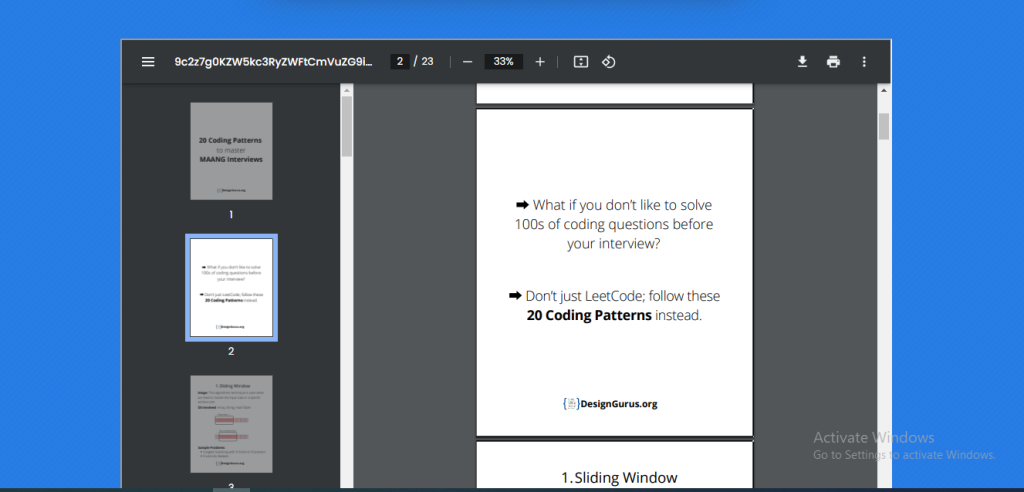
What is Function of Online PDF viewer tool
The function of an online PDF viewer tool is to allow users to view and access PDF files without the need for additional software. It enables users to open and read PDF files directly in their web browser, providing a convenient and efficient way to view documents online.
Online PDF viewer tools often offer additional features, such as the ability to zoom in and out, navigate through pages, search for specific text, and print the document. online PDF viewers are often compatible with multiple platforms and devices.
What are the feature of Online PDF viewer tool
There are some common features of online PDF viewer tools are-
- Viewing PDFs: Online PDF viewers enable users to view PDF files directly in their web browser without the need for additional software.
- Zooming: Users can zoom in and out on the document to adjust the size of the text or images for easier reading.
- Page navigation: Online PDF viewers typically include tools that allow users to navigate through the pages of the document quickly and easily.
- Text search: Users can search for specific words or phrases within the document, which is especially useful for larger documents.
How Wizbrand’s Online PDF viewer tool would help?
- Accessibility: Online PDF viewers make it easy to access and view PDF documents from anywhere with an internet connection.
- Convenience: Online PDF viewers eliminate the need for additional software or hardware to view PDF documents.
- Cost-effective: Many online PDF viewers are free to use, making them a cost-effective solution for individuals or businesses that need to view PDF files but do not want to invest in expensive software or hardware.
How to use it Online PDF viewer tool online
There are some step are follow, we can use it online pdf viewer tool online-
- Open your web browser and search “wizbrand.com/tools/pdfreader/” or click here wizbrand.com/tools/pdfreader/
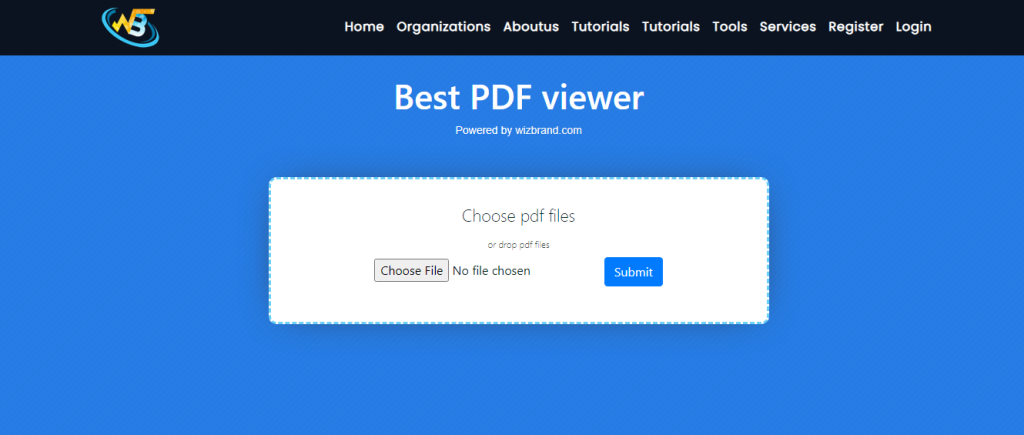
2. Upload the PDF file you want to view by clicking on the “Choose File” button on the online PDF viewer tool’s website.
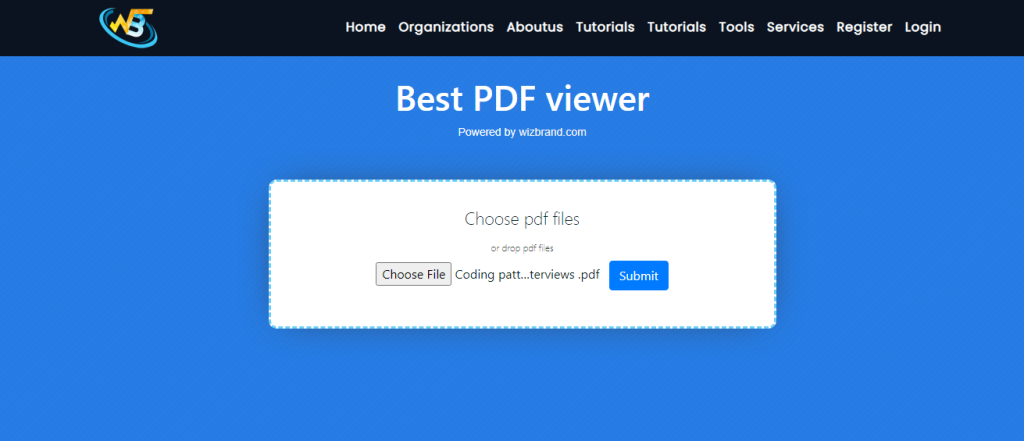
3. Once the PDF file is uploaded, then click to submit button for view pdf file, download pdf file, rotate pdf file, fit to page etc.
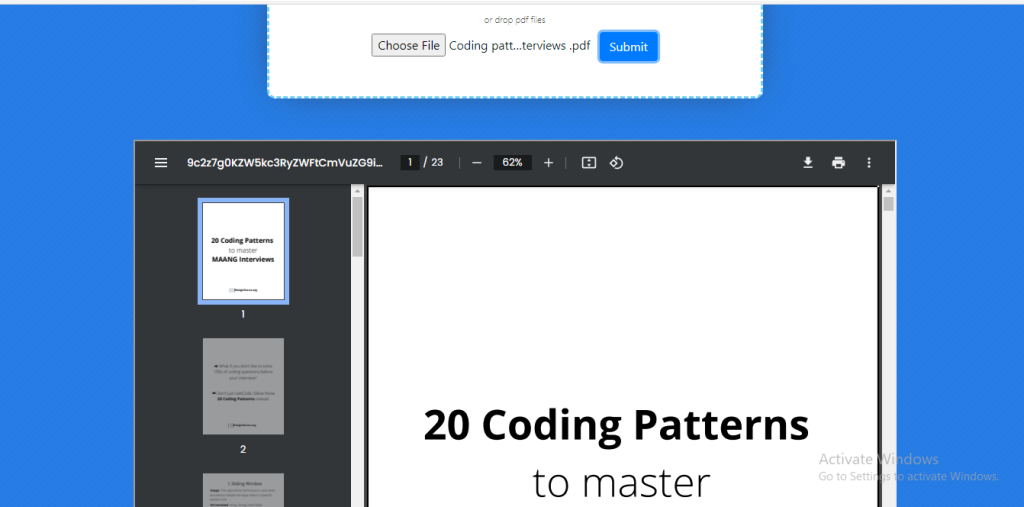
When you are finished viewing the PDF file, simply close the online PDF viewer tool’s window or log out of the website.
